
IND3 App for Android
IND3 App is the Android application used to access the IND3 Game platform from a mobile device. After installation, users can open the app, sign in with the registered mobile number and move between game sections, account tools and other options shown in the interface.
This page focuses on the installed app itself: how it differs from the APK file, what to check during first use, how account access works, how to keep the app updated and what to do when the application becomes slow or does not open correctly.
If you still need the installer, use the IND3 APK guide. For the browser download flow, use IND3 Game Download.
IND3 App Details
IND3 App Screenshots
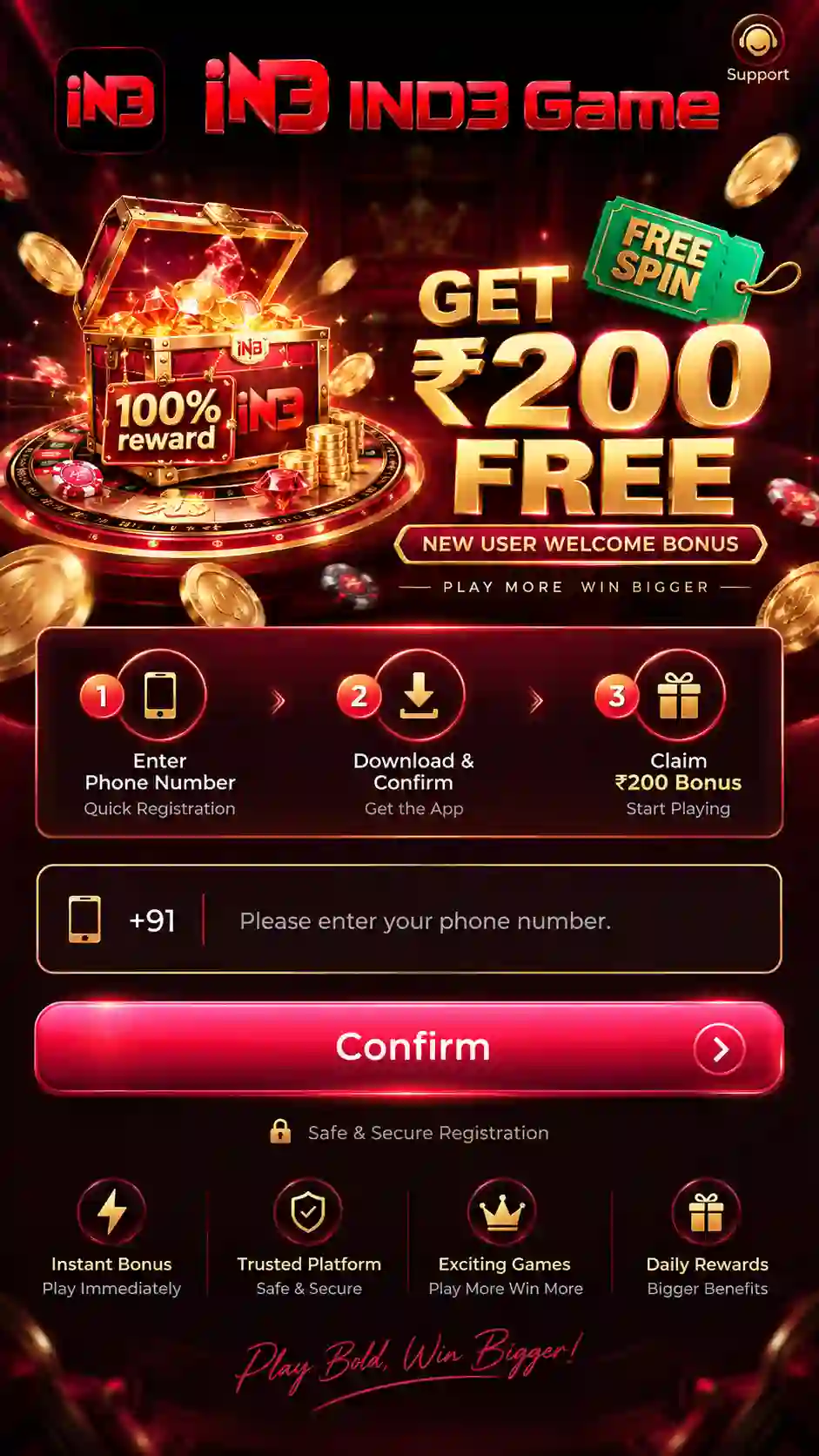
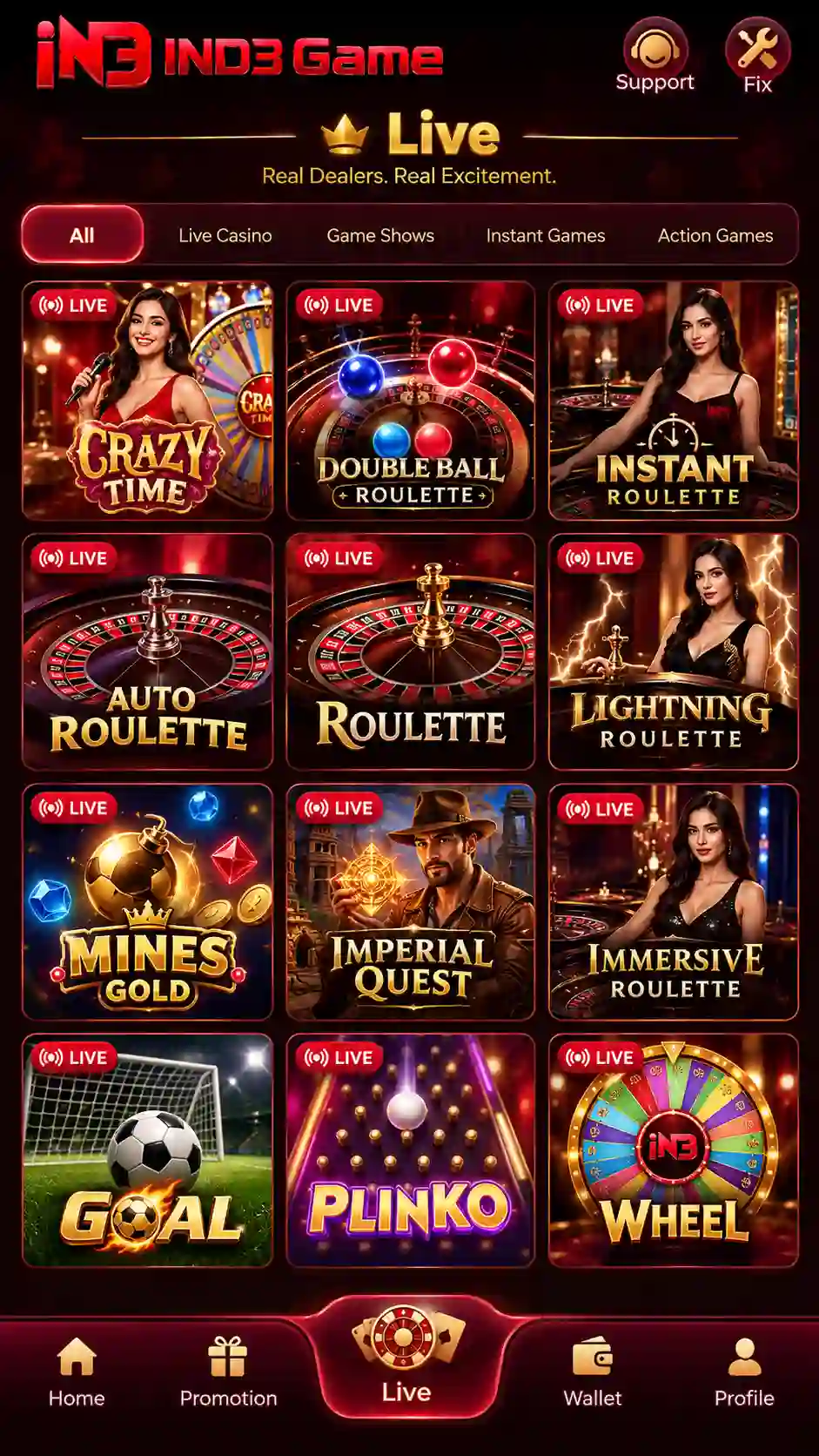
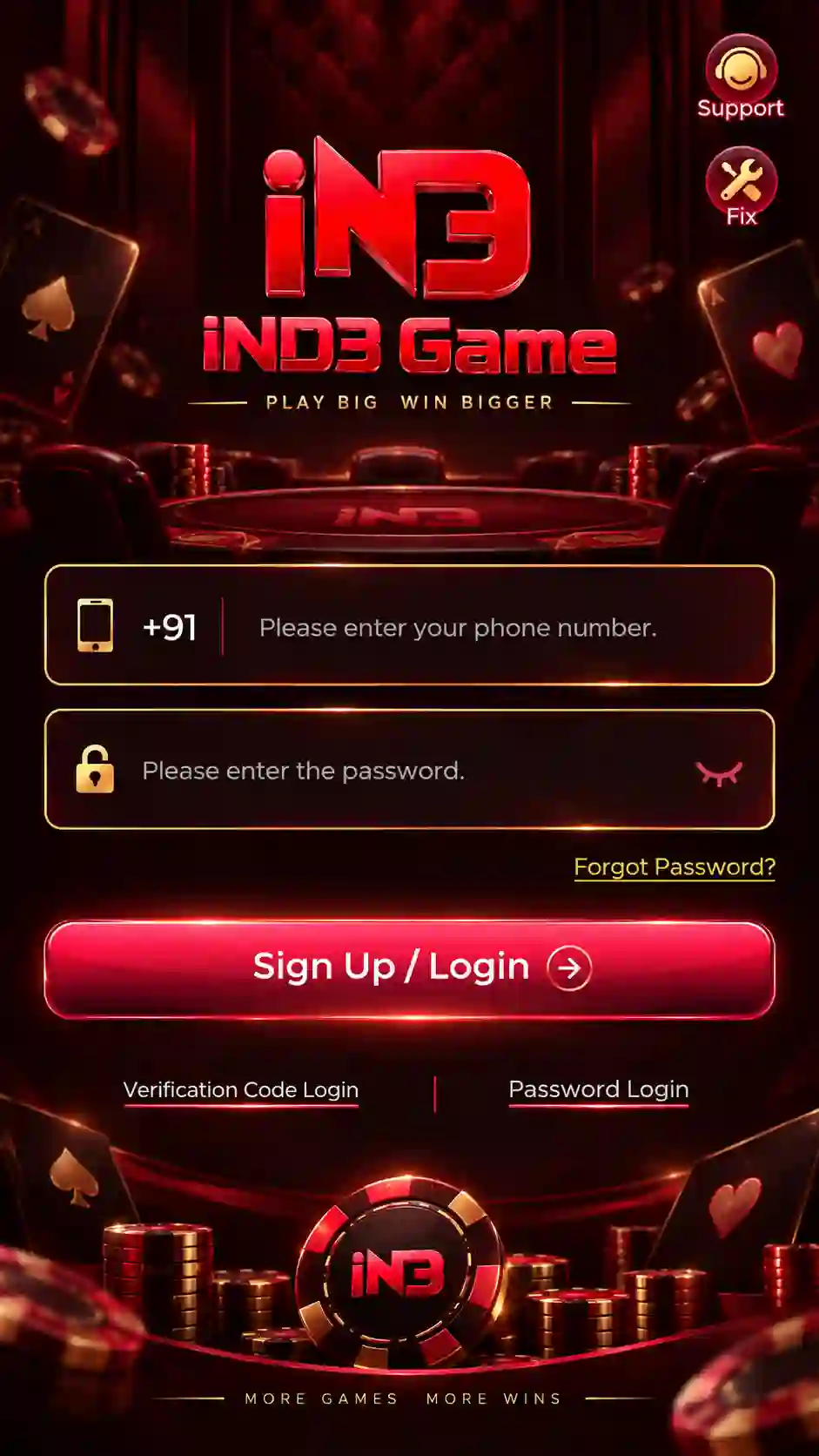
App vs IND3 APK
The IND3 APK is the Android installation package. The installed application is what opens after setup is complete. Keeping these two terms separate helps avoid confusion when troubleshooting.
The installer saved to the Android device before installation.
The application icon and interface used after Android finishes setup.
If the APK file does not install, follow the dedicated installation and permission steps. If installation is complete but the app itself does not open or load correctly, use the troubleshooting section below.
Using the Game App Interface
The app is designed around mobile navigation. A practical way to learn the interface is to identify the main game area, account/profile controls and the sections used for login or account settings before changing anything.
Browse the available game sections and open the category you want to explore.
Use the profile or account controls for login, security and account-related settings.
Move back to the main screen before opening another section if the current page becomes difficult to follow.
Use the in-app options shown for account help, records or other available account tools.
Game Categories
The IND3 experience is built around multiple game categories. The site navigation highlights common sections such as slots, JILI titles, spin games, Aviator, crash games, fishing, Rummy and Teen Patti.
Each category can use a different layout, loading time and control style. Heavier graphics or animated games can use more memory and network data than simpler screens.
Account & Login Tools
Account access is tied to the registered mobile number. First-time access uses the mobile-number verification flow, while password-based login becomes available after a login password has been created.
- Open the app and use the registered mobile number.
- Request a login code when using OTP access.
- Use the newest valid code if several messages arrive.
- After setting a password, use the saved password with the registered number.
- Keep OTPs and passwords private.
For the complete sign-in, password setup and recovery process, use the IND3 Login guide. New users can use the IND3 Register guide for account creation.
First-Time Use After Installation
After the Android installation finishes, open the app and let the first screen load fully before tapping several controls at once.
- Open the application from the Android home screen or app drawer.
- Allow the first screen enough time to load.
- Use the registered mobile number for account access.
- Complete the requested verification step.
- Confirm that the main app screen loads after login.
- Open the profile or account area and review the available security options.
- Explore game sections only after account access is working normally.
App Updates
App updates can include compatibility, performance or interface changes. When a newer build is available, use the intended current package rather than downloading modified files from unrelated sources.
- Check that the new file is intended for the same IND3 application.
- Keep enough free storage for the updated package and temporary installation files.
- Do not keep several unknown or modified builds on the same device.
- If Android blocks an update, verify the installer source and follow the normal package-installation steps.
For update-specific installation help, return to the IND3 APK page.
Android Performance
App performance depends on the phone as well as the selected game. Available memory, free storage, network quality and background activity can all affect loading speed.
Keep free space available for app data, updates and temporary files.
Use a stable Wi-Fi or mobile-data connection for real-time game sections.
Close unnecessary heavy apps if the phone has limited RAM.
Restarting the phone can clear temporary background processes when the app becomes unresponsive.
Common App Problems & Fixes
App Does Not Open
Close the application completely and restart the phone once. If the problem continues, confirm that the app was installed successfully and that the device has enough free storage.
App Opens but Does Not Load
Check the internet connection. Switch between Wi-Fi and mobile data if one network is unstable, then reopen the app.
App Feels Slow
Close unnecessary background applications and free some device memory. Game sections with heavier graphics can need more resources than simpler screens.
Login Screen Keeps Returning
Check the registered mobile number and complete the current login method carefully. Use the newest OTP for code-based access or the saved password for password login.
Update Will Not Install
Make sure the previous installation is complete, enough storage is available and the package is being opened through the normal Android installer. The APK guide covers permission and update troubleshooting in more detail.
App Crashes After Opening a Game
Return to the main app screen, close other heavy applications and try again. A device with low available memory can struggle more with graphics-heavy sections.
App Safety & Account Protection
- Keep OTPs, passwords and recovery information private.
- Do not install modified, hacked or predictor versions of the app.
- Avoid APK files received through unknown messages or copied download pages.
- Review Android permissions before allowing access.
- Keep the registered SIM under your control for future verification.
- Use the site's Responsible Gaming guidance before real-money play.
Real-money gaming can involve financial loss. Treat gameplay as entertainment rather than a guaranteed source of income, and check the rules that apply in your location.