
IND3 Register – Create a New Game Account
IND3 Register is the account-creation process for new users. Account creation starts with your phone number, followed by verification and the remaining setup fields shown in the IND3 interface.
Use a phone number that you control because the same number is important for future login, code-based access and account recovery. If you already have an account, go directly to the IND3 Login guide.
IND3 Account Setup Details
IND3 Account Screenshots


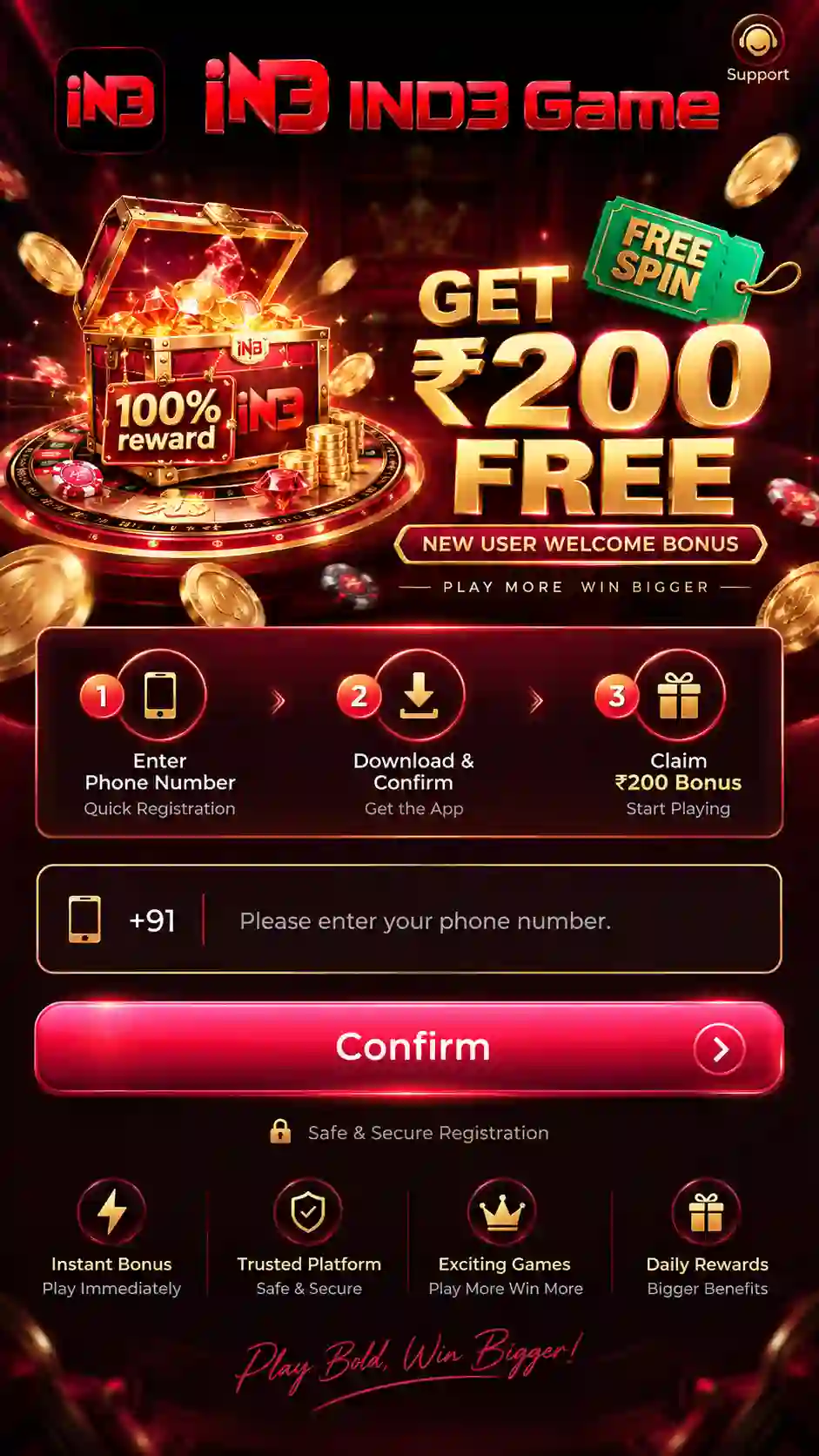
Before You Create an IND3 Account
A few checks before account creation can prevent most avoidable access problems later. Keep the phone with the number you plan to use nearby, make sure SMS messages are arriving normally, and complete the process on a stable internet connection.
- Use a phone number that belongs to you and that you expect to keep using.
- Confirm that the SIM is active and can receive normal SMS messages.
- Check the number carefully before requesting a code.
- Avoid switching repeatedly between several browser tabs or account screens during verification.
- Keep enough time to finish the current account flow instead of leaving it incomplete midway.
If the app is not installed yet, use the IND3 Game Download guide for the browser-download process or the IND3 APK guide for Android installation help.
How to Register for IND3 Game
Complete the steps in order so your phone number is linked correctly to the new account.
- Open the IND3 account-registration option.
- Enter your active phone number.
- Check the number before continuing.
- Request the SMS code when the verification option appears.
- Enter the newest valid code.
- Complete the remaining account fields shown on the screen.
- Submit the account details.
- Keep the registered number available for future account access.
IND3 Phone Number & SMS Verification
The registered phone number connects the account with login and recovery. Enter it carefully before requesting a code.
- Use a phone number that can receive SMS messages.
- Check every digit before requesting a code.
- If several messages arrive, use the newest valid code.
- Do not share a one-time code with another person.
- On dual-SIM phones, make sure the correct SIM is active.
Why the same mobile number matters
After setup, the same number can be used for account verification, login and password recovery. Using a number you do not control can make future access difficult.
What to Do After Creating the Account
After the account is created, keep the registered number available and review the account-security options inside the app.
Make sure the new account opens successfully with the registered mobile number.
Use the Account and Security area when you want password-based login.
Keep control of the registered SIM for future code and recovery needs.
For complete sign-in and password instructions, continue to the IND3 Login page.
How Registration Connects to Future Login
Creating the account is only the first step. The number used during setup becomes the main reference for later access, which is why it should be entered carefully and kept under your control.
After the account is available, users can continue with the login methods supported inside the app. OTP access is useful when a one-time code is required, while password-based access becomes useful after a login password has been configured in the account-security area.
Use the registered number and the newest valid one-time code sent to that SIM.
Use the registered number together with the password saved for the account.
Use the registered number when the app asks you to verify ownership before changing access details.
For the complete account-access flow, password setup and recovery steps, use the IND3 Login guide.
Common Registration Mistakes to Avoid
Most account-creation problems come from small input or verification mistakes rather than complicated technical errors. Avoiding the following issues can make the process smoother.
- Entering the wrong phone number: recheck every digit before requesting a code.
- Requesting codes repeatedly: several requests can create confusion about which message is current.
- Using an old code: use the newest valid message for the active attempt.
- Using another person's SIM: this can make future login and recovery difficult.
- Leaving the process halfway: complete the active setup before starting a fresh attempt.
- Sharing account details: keep OTPs, passwords and recovery information private.
If the account already exists for the number, do not try to create repeated duplicate accounts. Move to the login or recovery flow instead.
IND3 Account Creation Problems & Fixes
Check the internet connection, close the page or app once and reopen the account route.
Check the number for typing mistakes and make sure the active mobile number is entered correctly.
Check SIM signal, SMS delivery and the entered number before requesting another code.
Use the newest valid code for the current attempt.
Use IND3 Login or account recovery instead of creating another account with the same number.
Use the same registered mobile number and start with OTP login before trying account recovery.
IND3 Registration & Account Safety
- Use your own phone number.
- Never share a one-time code, password or recovery code.
- Do not pay another person to activate or unlock an account.
- Avoid copied registration forms and unknown links sent through random messages.
- Do not install modified APKs claiming hacks, predictors or guaranteed winnings.
- Keep the registered SIM under your control.
- Review the site's Responsible Gaming information before real-money play.
Protect Your Account Information
Account creation involves information that should remain private. An OTP confirms control of the phone number, while a password protects later account access. Treat both as security credentials.
- Do not forward OTP messages to another person.
- Do not send screenshots that expose an active code or password field.
- Avoid saving credentials on an unfamiliar shared device.
- Do not respond to private messages claiming they need your code to activate the account.
- Use the account-security controls inside the app when changing access details.
This website provides guidance only. It does not receive your OTP, password, balance information or recovery credentials.
Useful Pages After Registration
- IND3 Login – OTP access, password login and recovery.
- IND3 Game Download – Android download flow and file-location help.
- IND3 APK – installation, permissions, updates and APK troubleshooting.
- IND3 Game – main platform overview.