
IND3 Game Download for Android
The IND3 Game Download process is designed for Android users who want to get the app file and continue with setup. The process begins from the main IND3 button, opens the confirmation screen, asks for a mobile number and then starts the APK transfer.
This page focuses on getting the file, finding it on the phone and solving common transfer problems. For installation permissions and APK setup details, use the IND3 APK guide.
IND3 Game Screenshots

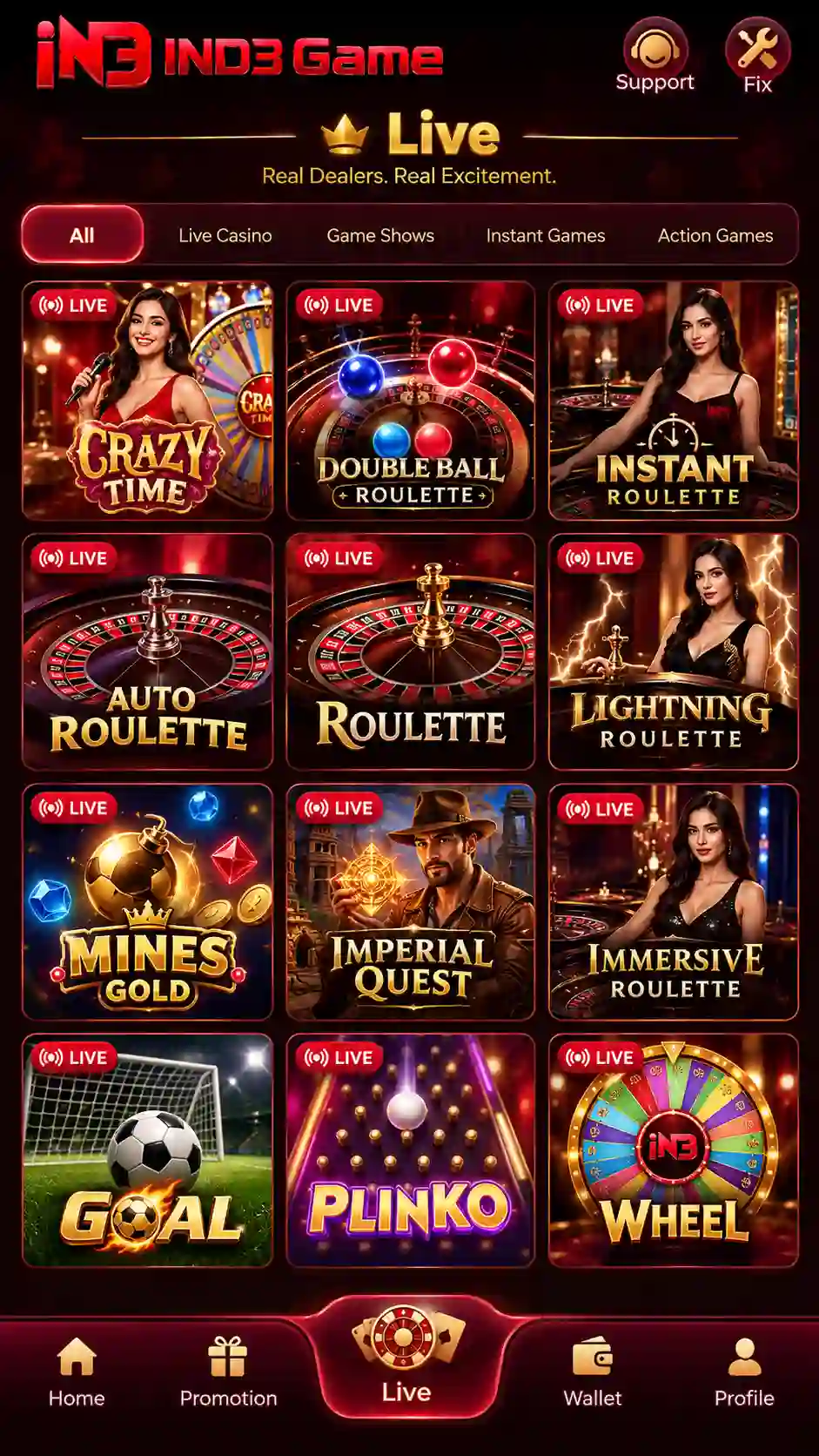
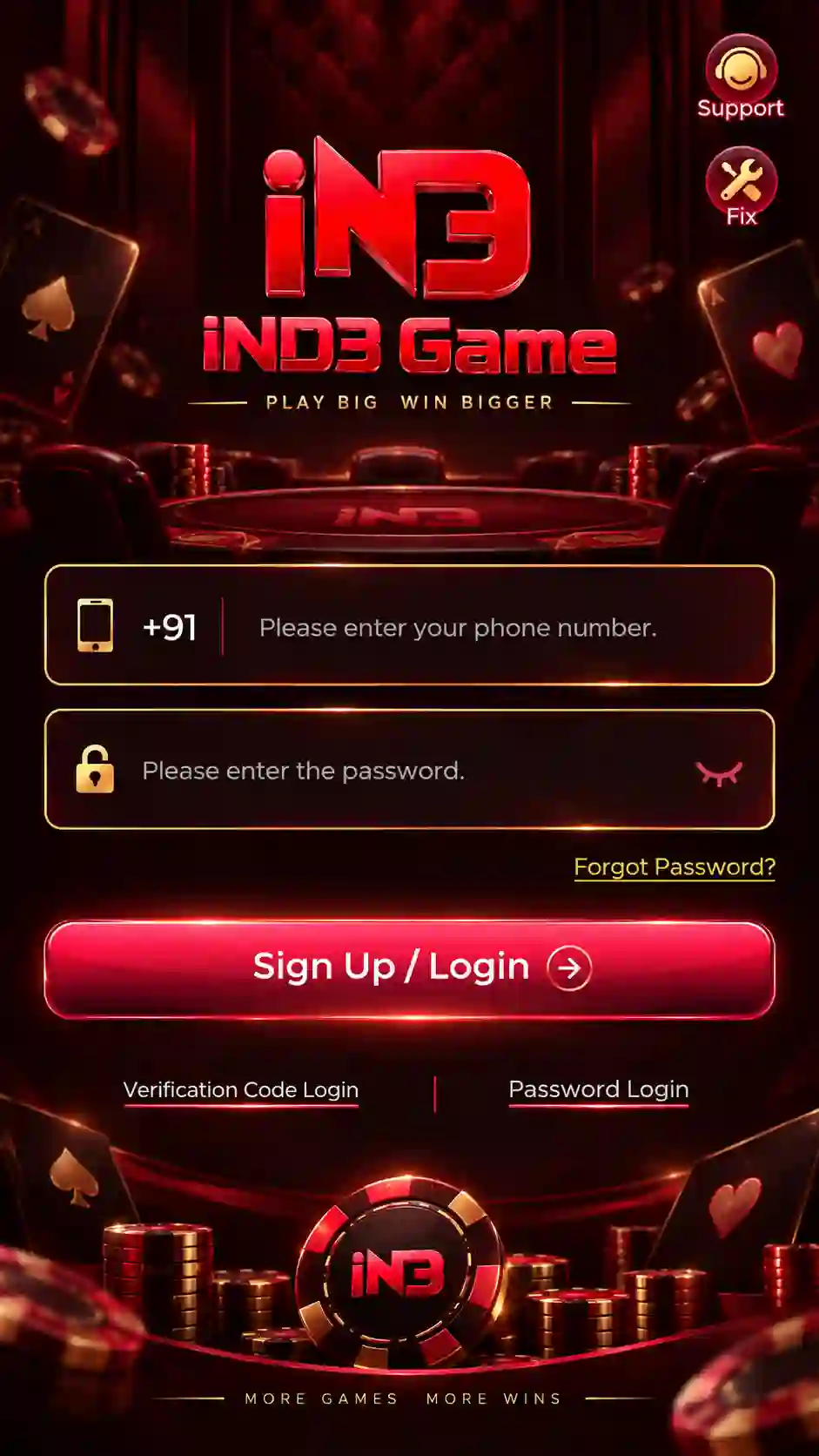
How to Download IND3 Game on Android
Follow the steps in order and allow one complete file to finish before opening it.
- Tap the IND3 Game Download button.
- Wait for the IND3 confirmation screen to open.
- Enter your mobile number in the field shown.
- Check the mobile number carefully.
- Tap Confirm.
- Allow the APK transfer to begin.
- Keep the browser open while the file is being saved.
- Wait until the file is fully saved.
- Open the downloaded file from the browser, Downloads folder or File Manager.
Why the Download Page Asks for a Mobile Number
The IND3 download route uses a mobile-number confirmation step before starting the APK transfer. Enter the number carefully, review it once and then tap Confirm.
- Check that the full mobile number is entered correctly.
- Do not repeatedly submit different numbers.
- Wait for the next screen or file transfer to begin after confirmation.
- If the page does not continue, check the internet connection before retrying.
Where to Find the Downloaded IND3 File
After the file is saved, it can usually be found in one of these locations:
- the browser's completed-download notification;
- the browser download history;
- the Android Downloads folder;
- the phone's File Manager app.
Open only the completed file. An incomplete or interrupted transfer can fail during setup.
What to Do After the IND3 File Is Saved
Once the APK is fully saved, Android handles the setup stage.
- Open the downloaded APK.
- Review the Android setup prompt.
- Allow the requested source permission for the browser or File Manager if Android asks.
- Return to the downloaded file.
- Tap Install.
- Wait until Android confirms setup.
- Tap Open to launch IND3.
For the complete permission and setup explanation, open the IND3 APK page.
IND3 Game File Problems & Fixes
Check the mobile-number confirmation step, internet connection and browser download permission.
Use a more stable connection and make sure the phone has enough free storage.
Check the browser download history, Downloads folder and File Manager before starting another copy.
Read the warning carefully and continue only when you intentionally started the IND3 download.
Keep one complete copy and remove unfinished duplicates to avoid opening the wrong file.
Reload the page once, confirm that JavaScript and downloads are allowed, then try the main download button again.
Storage and Network Checks
A stable connection and enough free storage reduce the chance of incomplete transfers.
- Keep enough storage available for the download and installation process.
- Use one reliable Wi-Fi or mobile-data connection.
- Avoid switching networks while the file is transferring.
- Do not start several IND3 file transfers at the same time.
- Wait until the browser reports that the file is complete.
IND3 File Safety Checks
- Use the download you intentionally requested.
- Read Android and browser security warnings.
- Avoid modified APKs claiming hacks, predictors or guaranteed winnings.
- Do not share passwords, OTPs or account credentials while getting the file.
- Keep only one completed APK copy when troubleshooting setup.
After installation, use the IND3 Login process if you are accessing the account for the first time.